



How to set the date on an automatic or quartz watch ?
The date indicator on a watch is a very useful everyday feature. But when a 30-day month arrives, you always wonder how to set the date on your watch. We're going to explain how to set the date on your watch.
Setting the date on a classic quartz watch is very simple:
- Pull the crown out to position 1
- Turn the crown clockwise or counterclockwise (depending on the mechanism) to set the date.
- When you have finished, press the crown to put it in position 0.

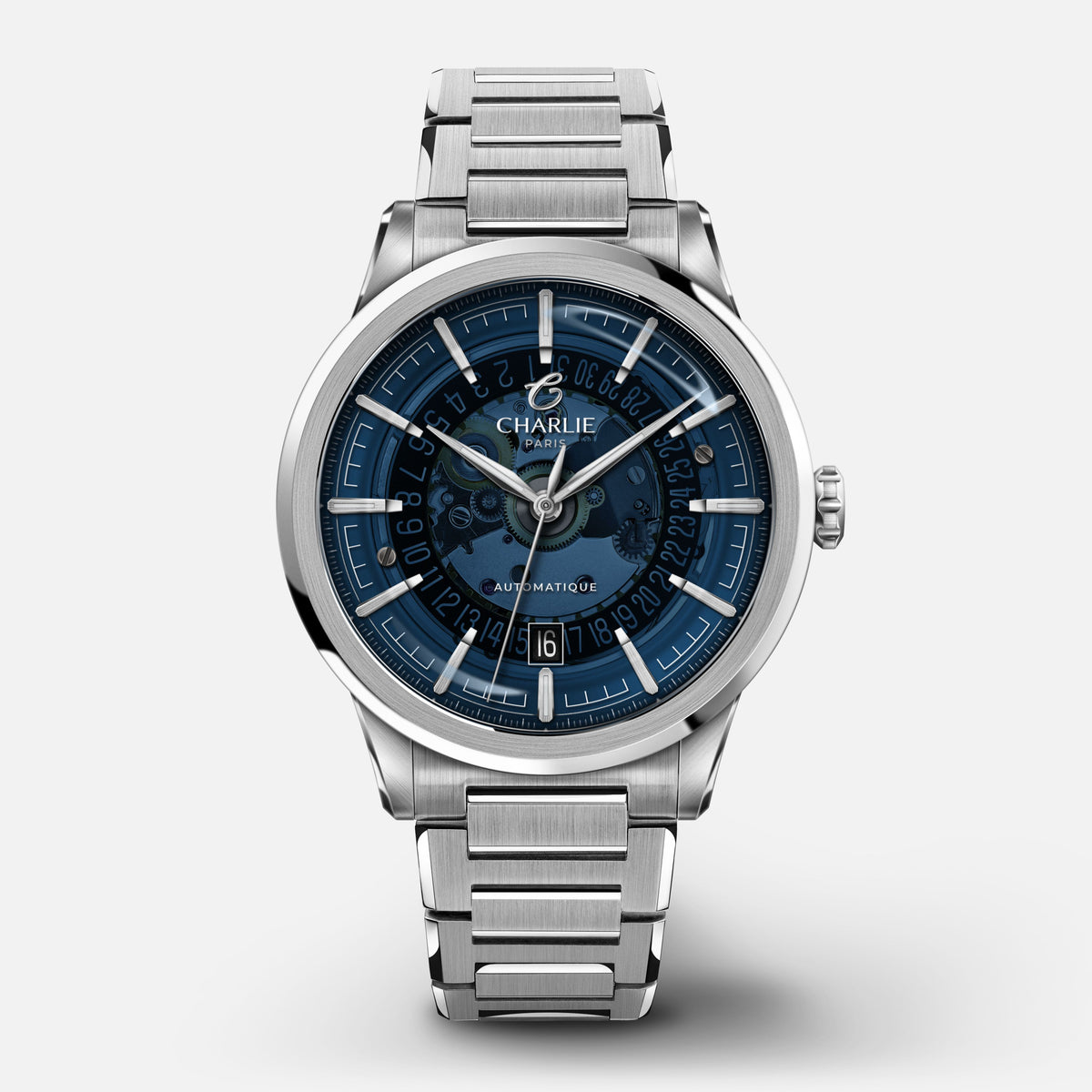
- Automatic movement and date change: If you own a automatic watch Do not change the date during the period known as the "dead zone," which is the time frame between 9 PM and 3 AM. It is during this time that the mechanism responsible for changing the date is activated, and therefore performing date changes at this time can seriously damage your watch's movement. To determine if your watch displays 9 PM or 9 AM, and therefore whether you can change the date, pull the crown out to position 2 and advance the watch by 3 hours. If the date changes, your watch displayed 9 PM; if nothing happens, it displayed 9 AM, and you can therefore change the date!
-
Screw-down crown and date change: If, like our watch
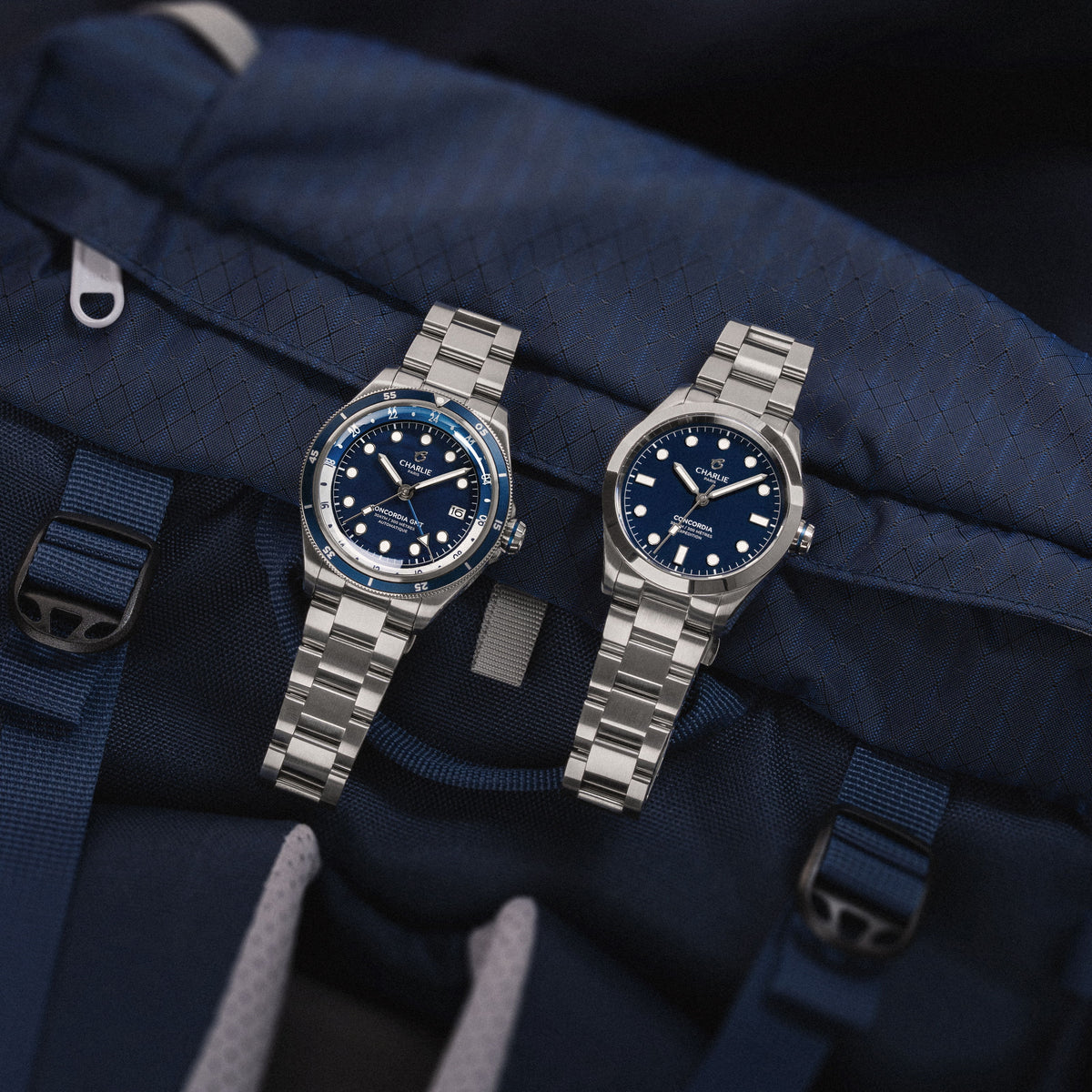
Concordia , your If your watch uses a screw-down crown, please follow the same instructions as before, except that you must unscrew the crown before pulling it out to set the date. To avoid damaging the threads and your watch, when screwing it back on, take this simple precaution: use your thumb and forefinger, press the crown against the threads, and turn it downwards (counterclockwise). After a short while, you will hear and feel a "click," indicating that the crown is properly engaged. You can then screw it in (clockwise) with peace of mind.
Share


Read more

Analog watch: Definition and origins
To understand the meaning of an analog watch, let's first go back to the etymology of the word analog...

Presentation of our Bisontin partner Roland Bailly
Today we have the opportunity to work with this industrial partner in the manufacturing of our movements G100.